Introduction
I’ve been playing around with the VCF HoloDeck tookit lately to explore how we would like to use VCF. This toolkit provides a fully automated way of deploying VCF in a lab environment so you can learn and play around. I will be doing a lot more of these blogs in the coming weeks because issues are found and need to be discussed. There isn’t much talk on this subject online and I want to educate people with what I’ve found or did wrong. This first blog will be a short one, but nevertheless important.
Issue
I’ve been playing around for a couple of weeks now. And the other day I’d ran into the following issue as can be seen below:

Now this is quite strange. Other Holodeck Powershell commands seem to work. At first I didn’t fully understand why this was happening. Because of this I fixated on the certificate issues, and not so much on the ‘Unauthorized’ message. So to check this I did the following:
- Basic controls to check the Certificate and network connections:
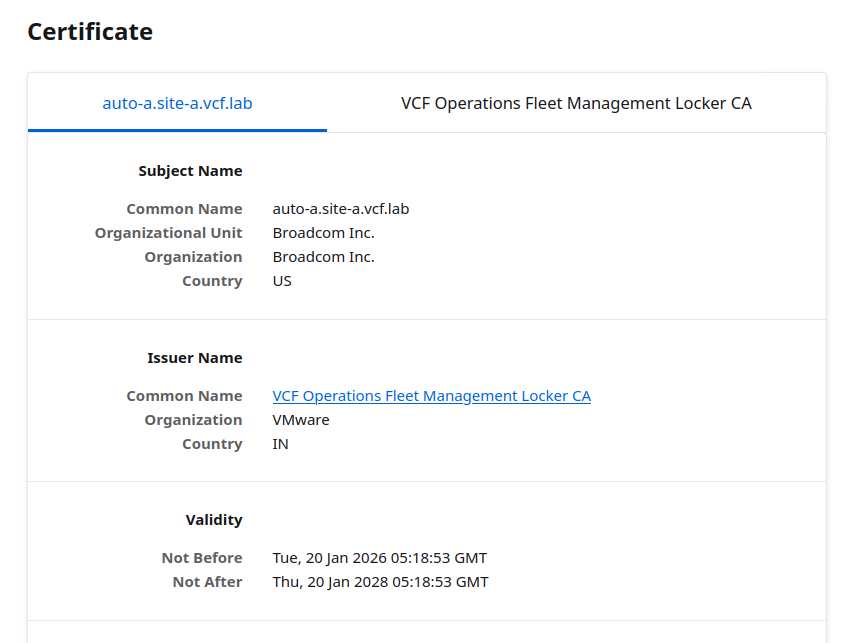
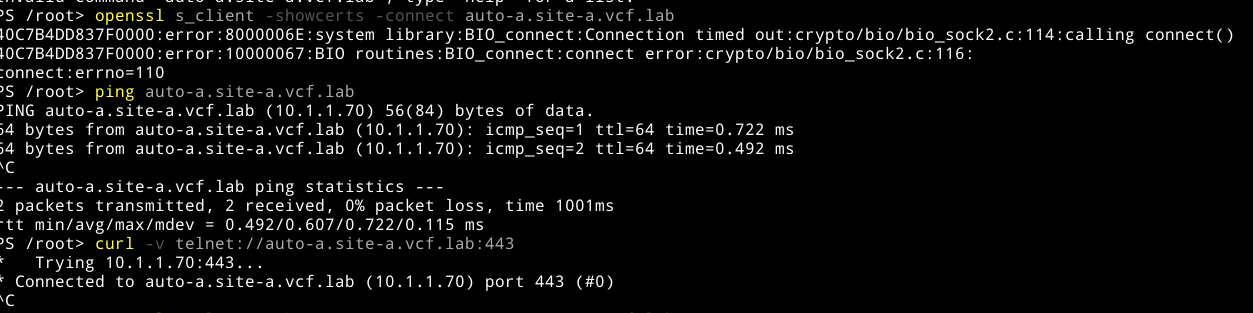
- Downloaded the full CA-Chain from the VCF Automation appliance and put it into the PhotonOS ca-bundle.crt default file.
1. Download CA Chain:
openssl s_client -connect example.com:443 -servername example.com | awk 'BEGIN{c=0} /BEGIN CERTIFICATE/{c=1} c{print} /END CERTIFICATE/{c=0}' > ca-chain.crt

2. Put CA Chain in the ca-bundle.crt PhotonOS file:
cat ca-chain.crt >> /etc/pki/tls/certs/ca-bundle.crt

3. Check if there are no errors now with openssl s_client -connect https://auto-a.site-a.vcf.lab:443
openssl verify -CAfile /etc/pki/tls/certs/ca-bundle.crt ca-chain.crt
- Now this worked, however the command was still not usable. I figured it might be something in the source code, but before we look at this let’s something else in Powershell:
Set environment variables to use the CA file with updated CA/Chain certificates:
[System.Environment]::SetEnvironmentVariable("REQUESTS_CA_BUNDLE","/etc/pki/tls/certs/ca-chain.crt","User")
[System.Environment]::SetEnvironmentVariable("CURL_CA_BUNDLE","/etc/pki/tls/certs/ca-chain.crt","User")
Unfortunately that also didn’t work. At this point I started looking more at the ‘Unauthorized’ message and came to a conclusion that I was fiddling around with Kubernetes contexts lately to connect to the Supervisor based Kubernetes clusters I deployed within a tenant Organization in VCF Automation. That must’ve changed something, because this specific command needs to interact with the containerized DNS application within the HoloDeck. Looking at this more carefully I indeed found something off:
//Get currently used kubernetes context:
root@holorouter: kubectl config current-context
vcholodeck:namespace-test-sy2f3:project-vcf-bryan
Now this is probably not good. There are no containers (yet) in that namespace. So looking at the Kubernetes configuration under /etc/kubernetes/admin.conf we can find the following:
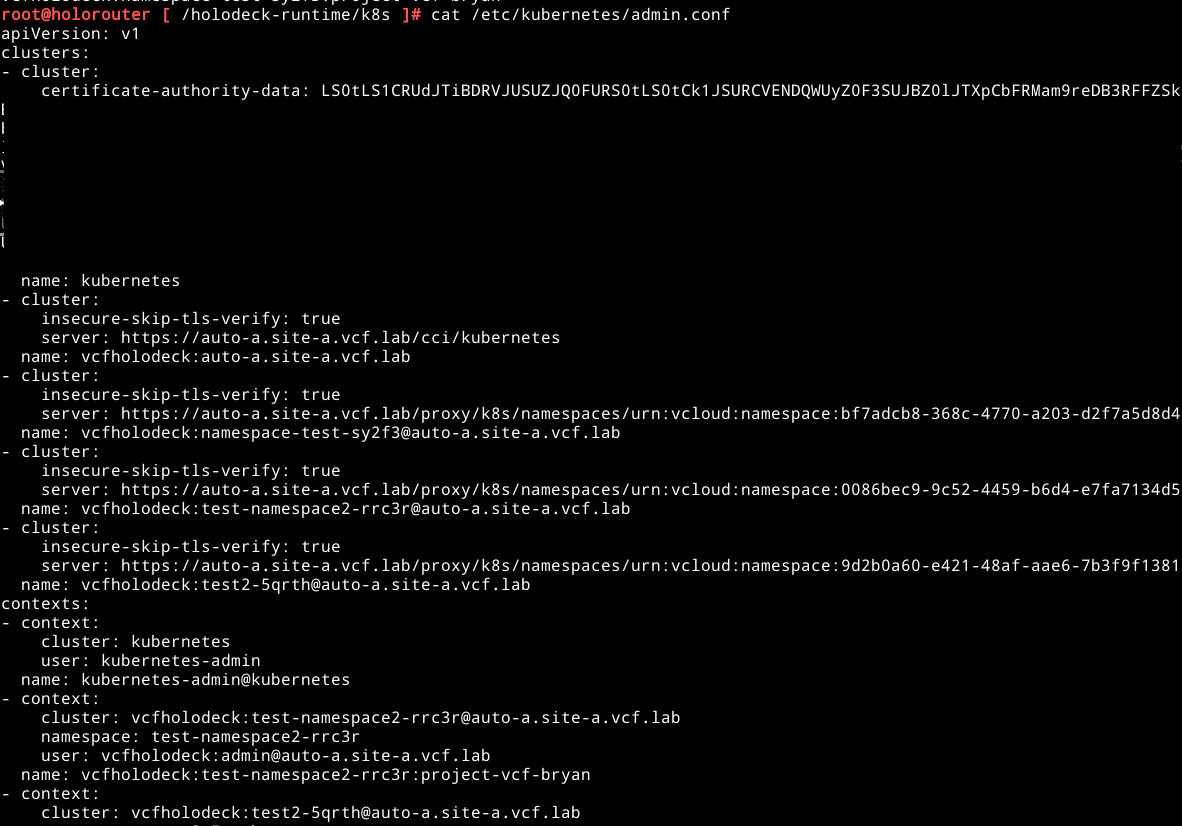
Aha, there fortunately is a local Kubernetes context, let’s see what else we have with the following command kubectl config get-contexts and kubectl config current-context:

Now we are talking, let’s set the default Kubernetes context back to the local one with the following command kubectl config use-context kubernetes-admin@kubernetes:

Now that that is done we have got a working HoloDeck environment yet again!
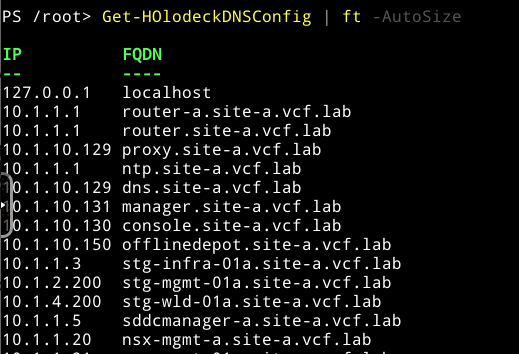
In the end it was my own fault for playing around with some of the Kubernetes environment directly located on the Holorouter appliance. I completely missed that part.
I hope this blogpost helps some of you that might run into this issue. This part is largely due to the fact that for some Kubernetes and it’s inner workings a still quite new. Figuring this out might cost you a bit of time, I hope that with this blogpost it will save you some!
If you want to know more on the Kubernetes contexts, visit the following blog that helped me: BLOG


0 Comments